 deskbeam
Press kit
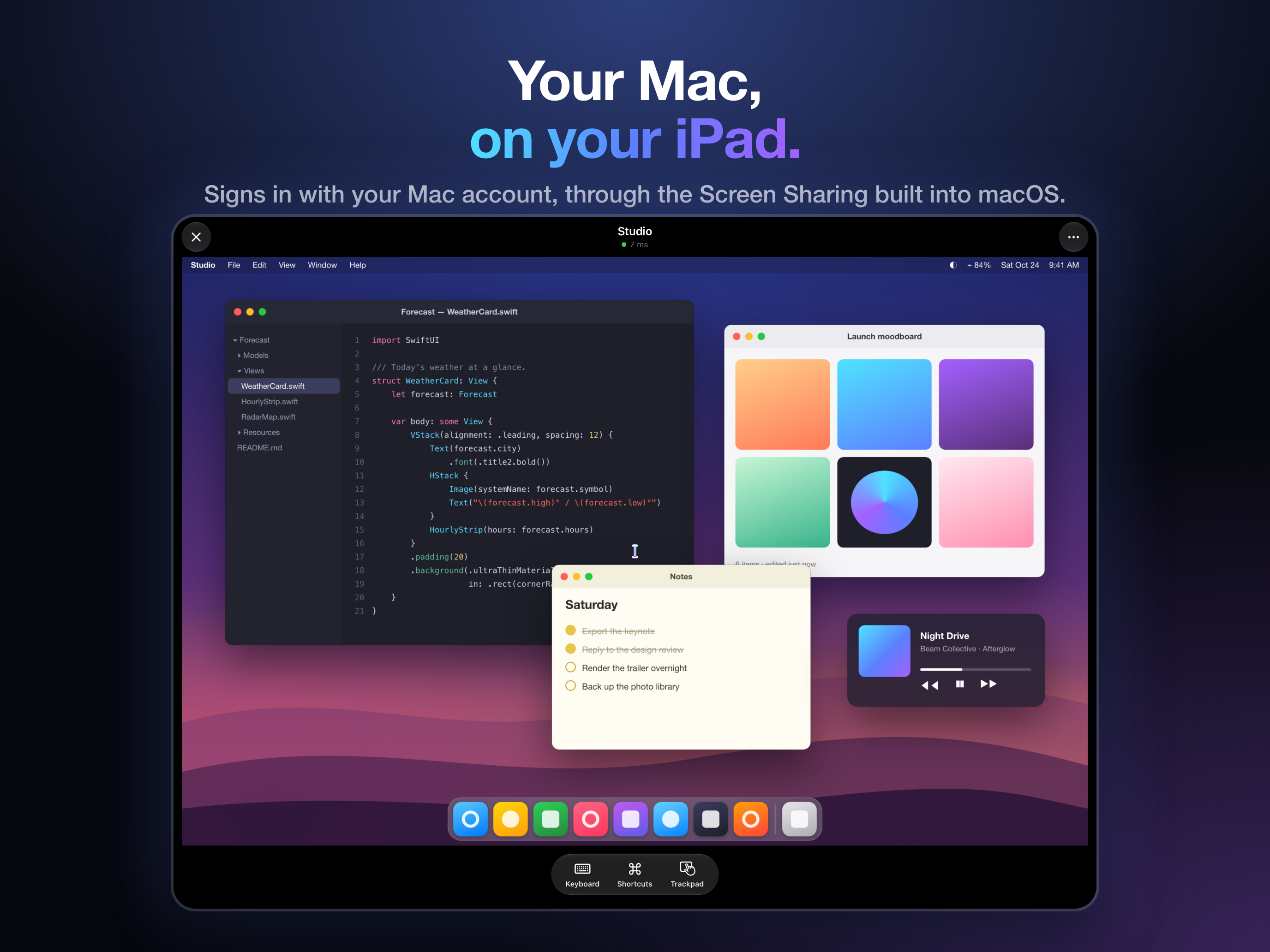
Deskbeam shows and controls your Mac from iPhone and iPad using the Screen Sharing already built into macOS.
About
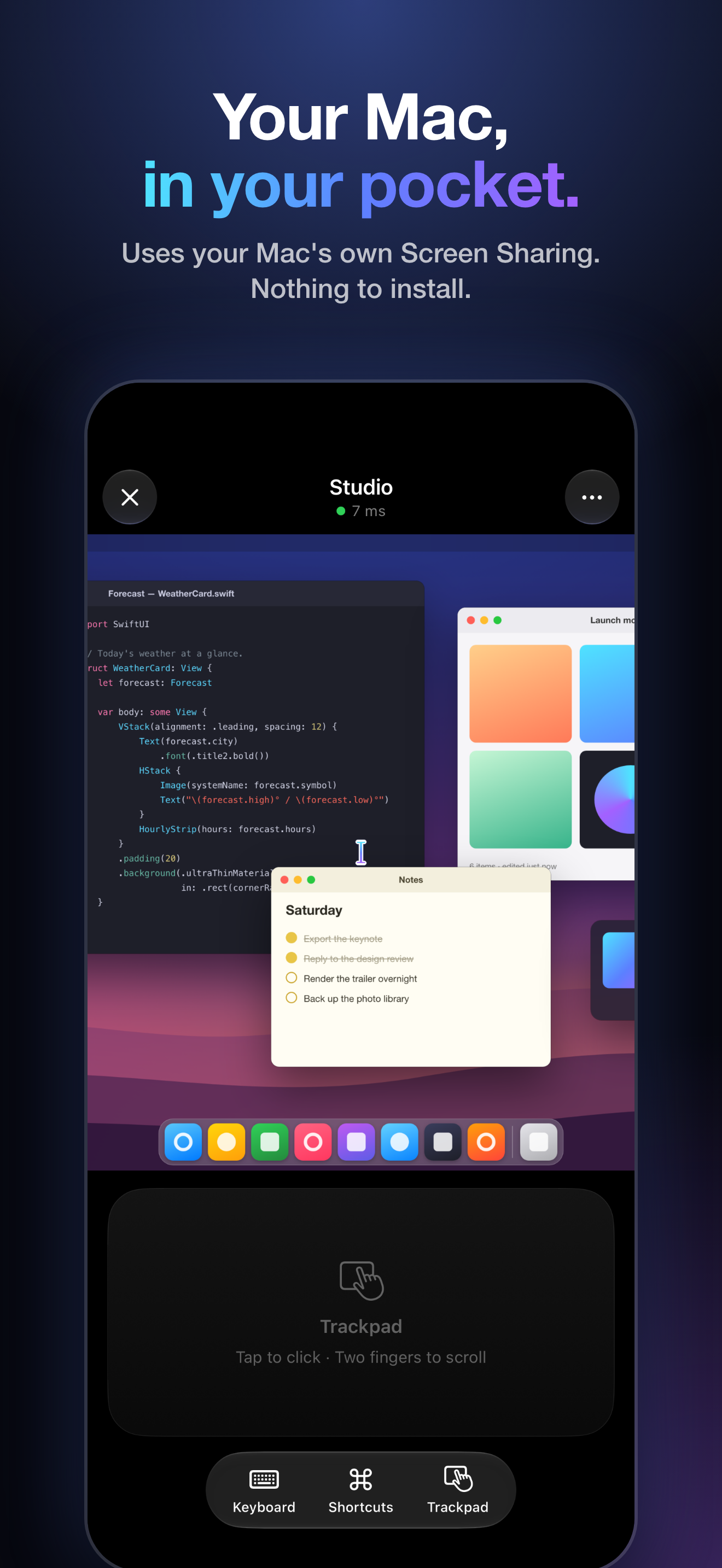
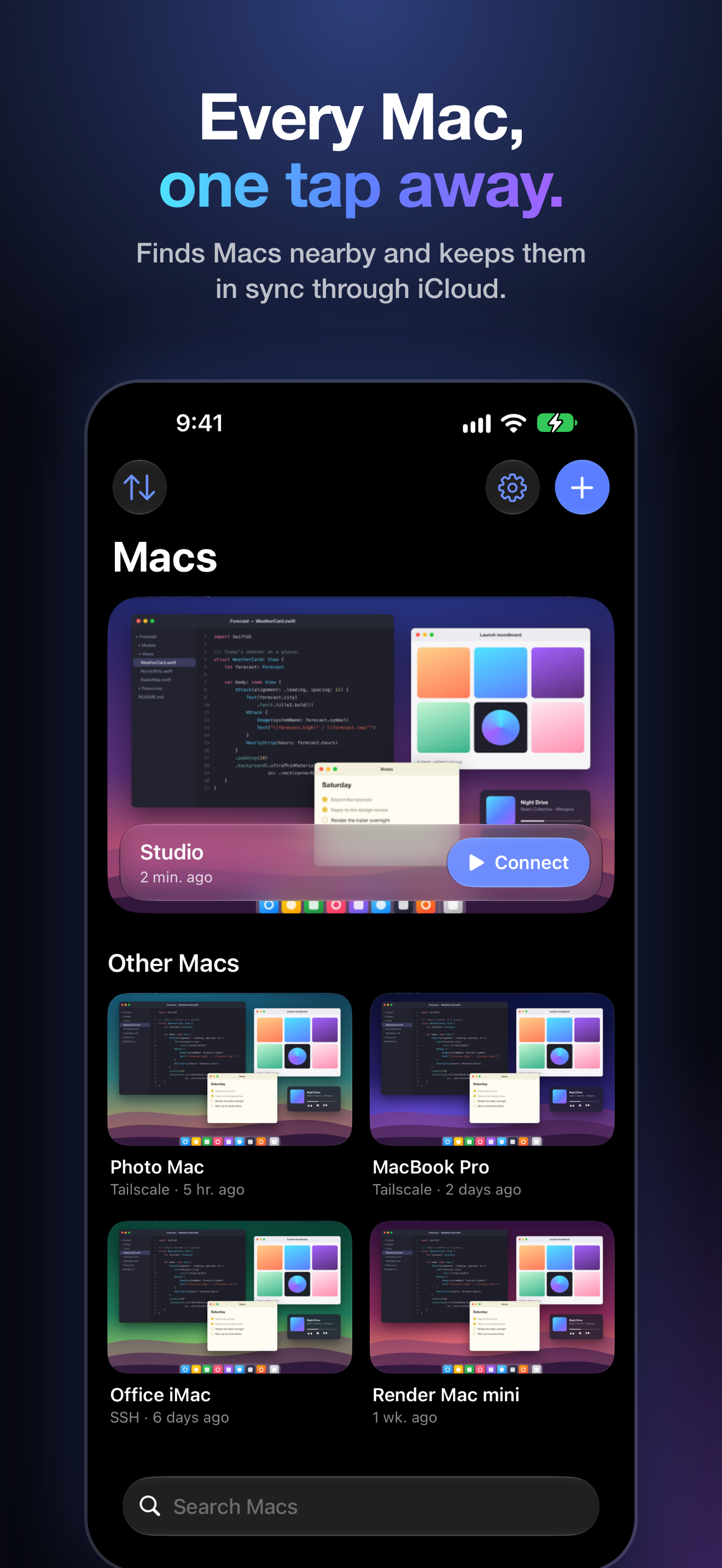
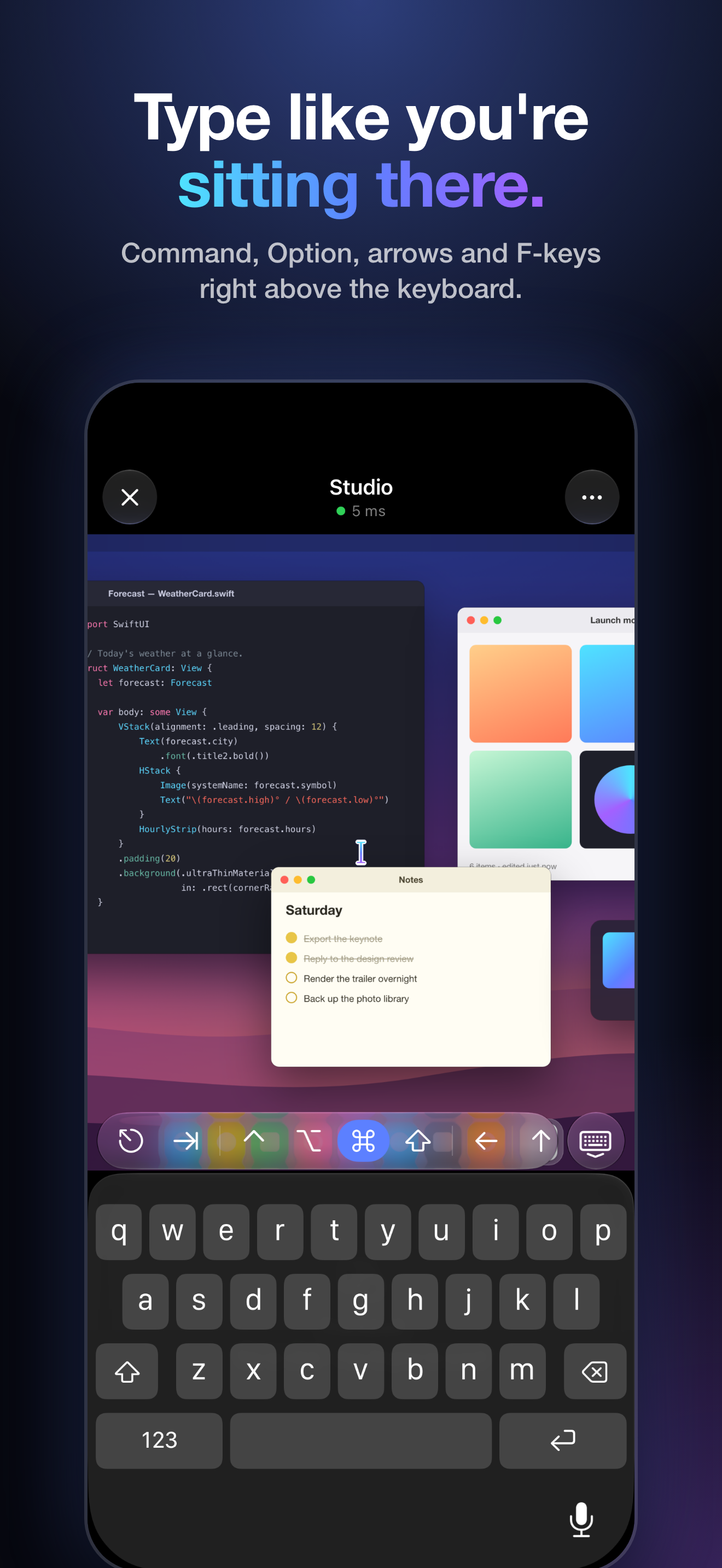
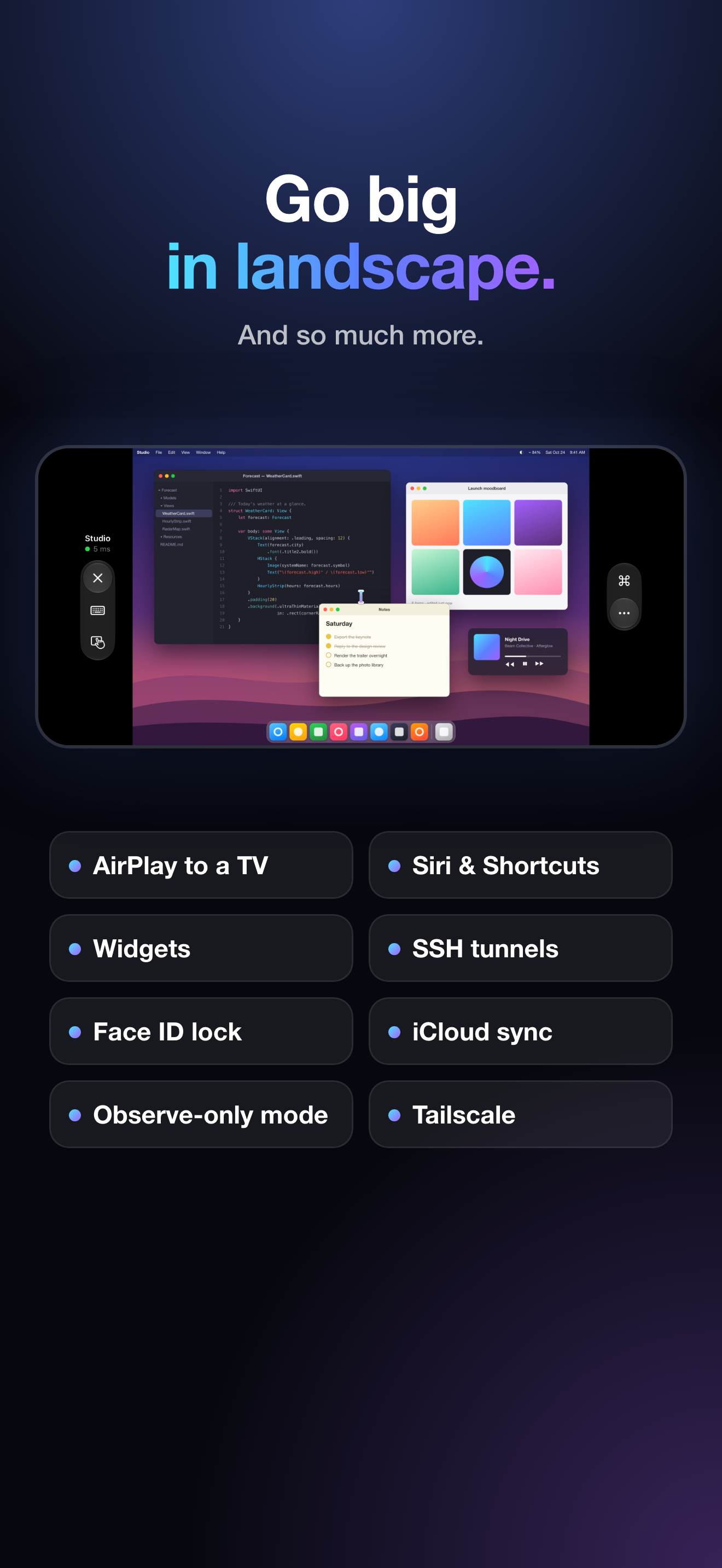
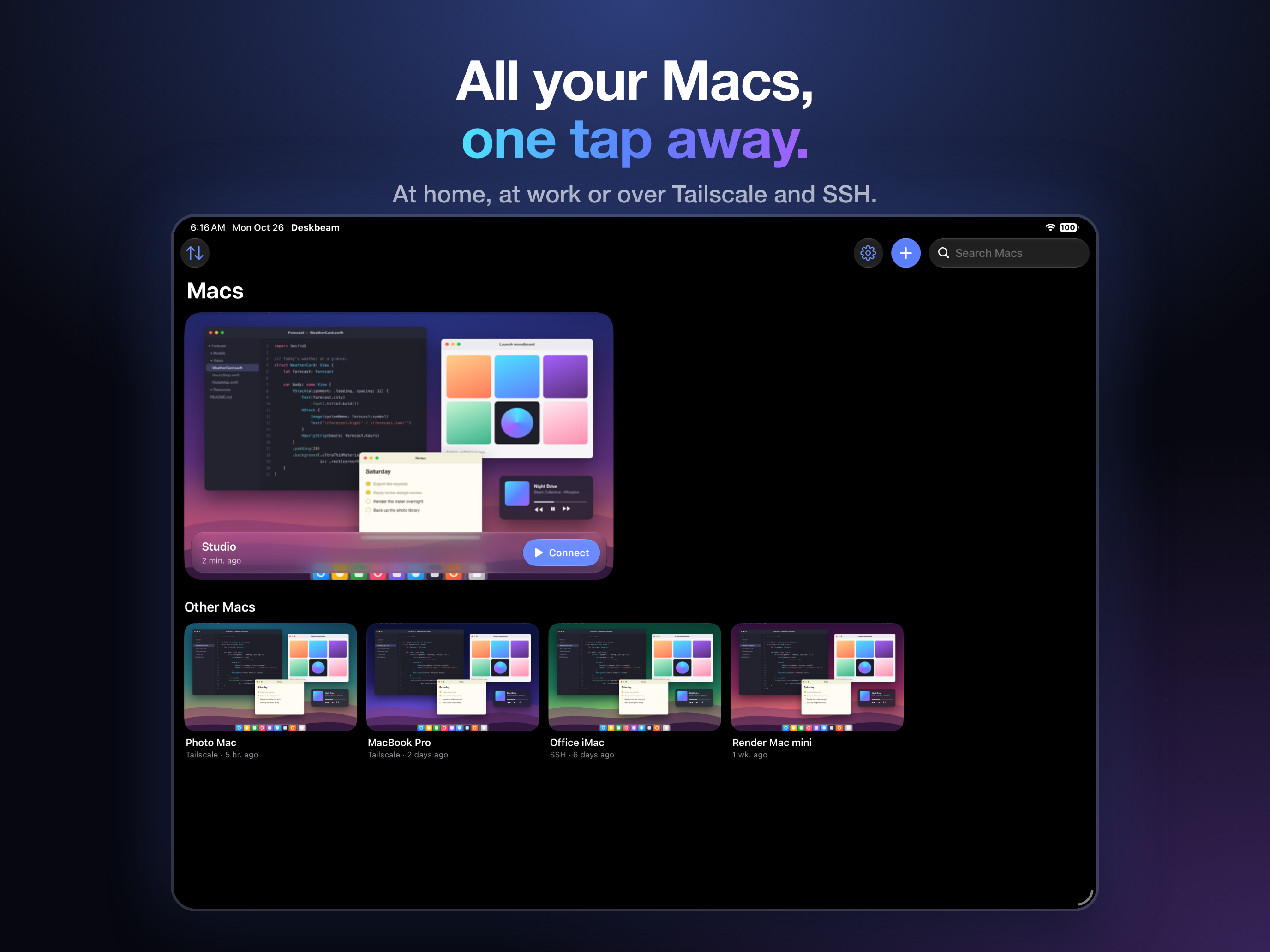
Turn on Screen Sharing on the Mac, sign in with your Mac account, and the Mac is on your iPhone or iPad. There's no helper app on the Mac and no Deskbeam account. It has a trackpad mode that works like a MacBook trackpad, a keyboard that appears when you click into a text field with Command, Option and F-keys above it, two-way clipboard with the Mac, and it can unlock a locked Mac from the Keychain. Macs on the network are found automatically and sync through iCloud Keychain; Macs away from home are reached over Tailscale or an SSH tunnel. Siri, Shortcuts, widgets, multiple windows on iPad and AirPlay to a TV are in there too.
It connects straight to the Mac with no server in between: no accounts, ads or tracking. The App Store lists it as Data Not Collected.
Facts
- Platforms
- iPhone and iPad; works with a Mac that has Screen Sharing on, and with other VNC servers
- Price
- Free download; Deskbeam Monthly is $1.99 a month in the US with a 7-day free trial
- Released
- November 8, 2026
- Maker
- Frank Gasparovic, independent developer
- App Store
- apps.apple.com/app/id6826719869
- Contact
- frank.gasparovic+deskbeam@gmail.com (free months for review on request)
App icon
iPhone screenshots
1320 × 2868. Click any image for the full file.
iPad screenshots
2752 × 2064.
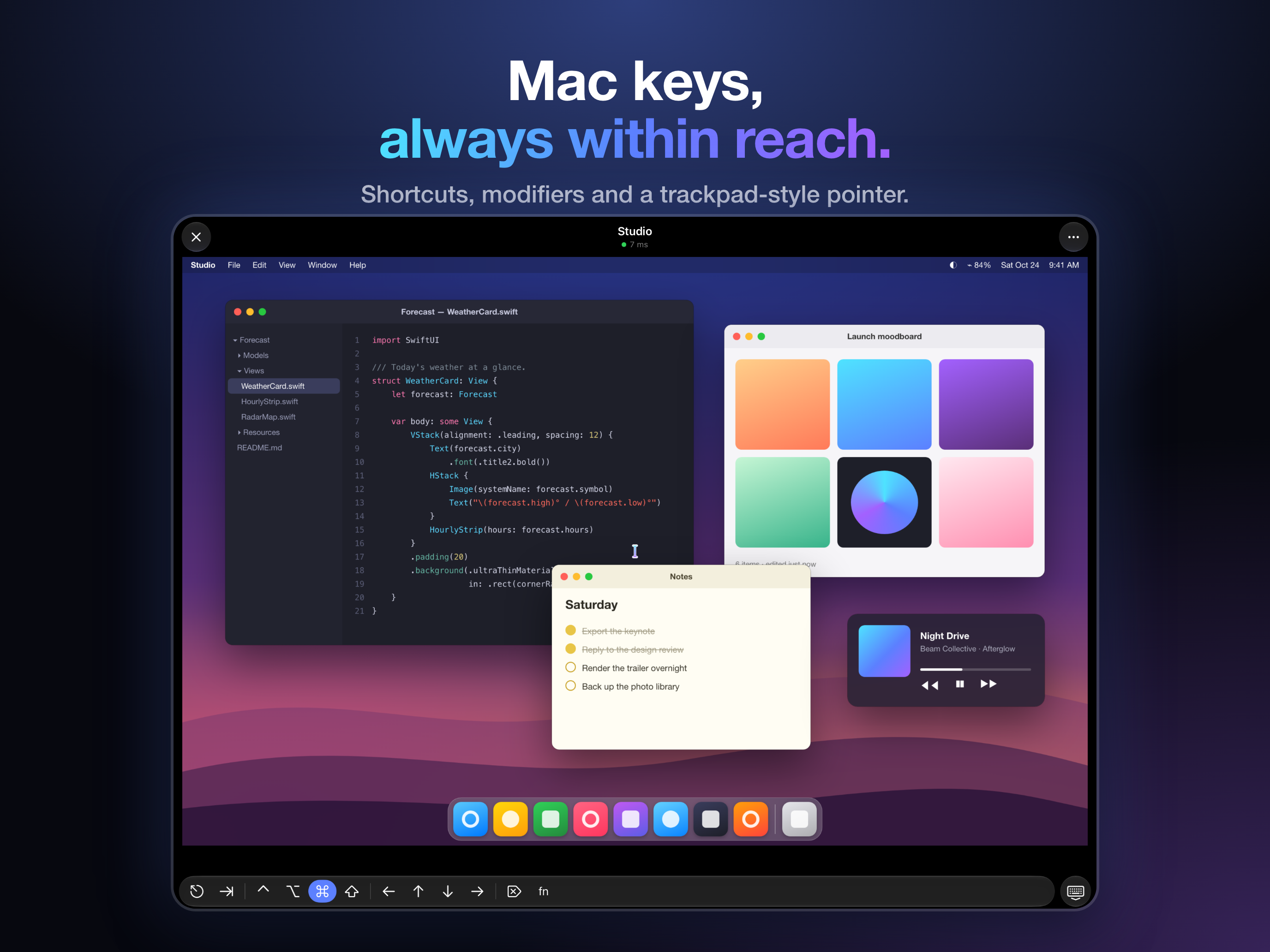
The Mac desktops in these screenshots are mock-ups.