 deskbeam
Your Mac, on your iPhone and iPad.
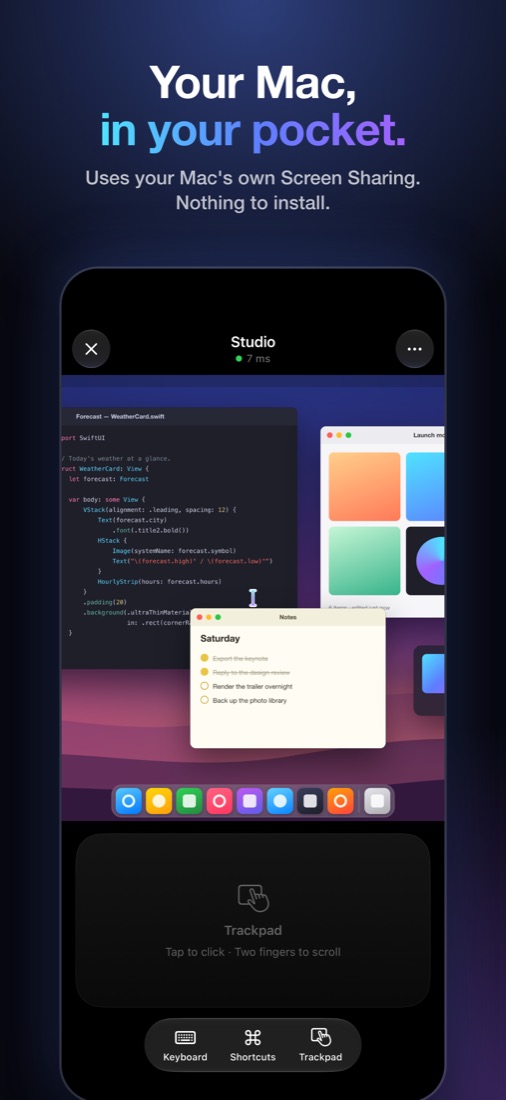
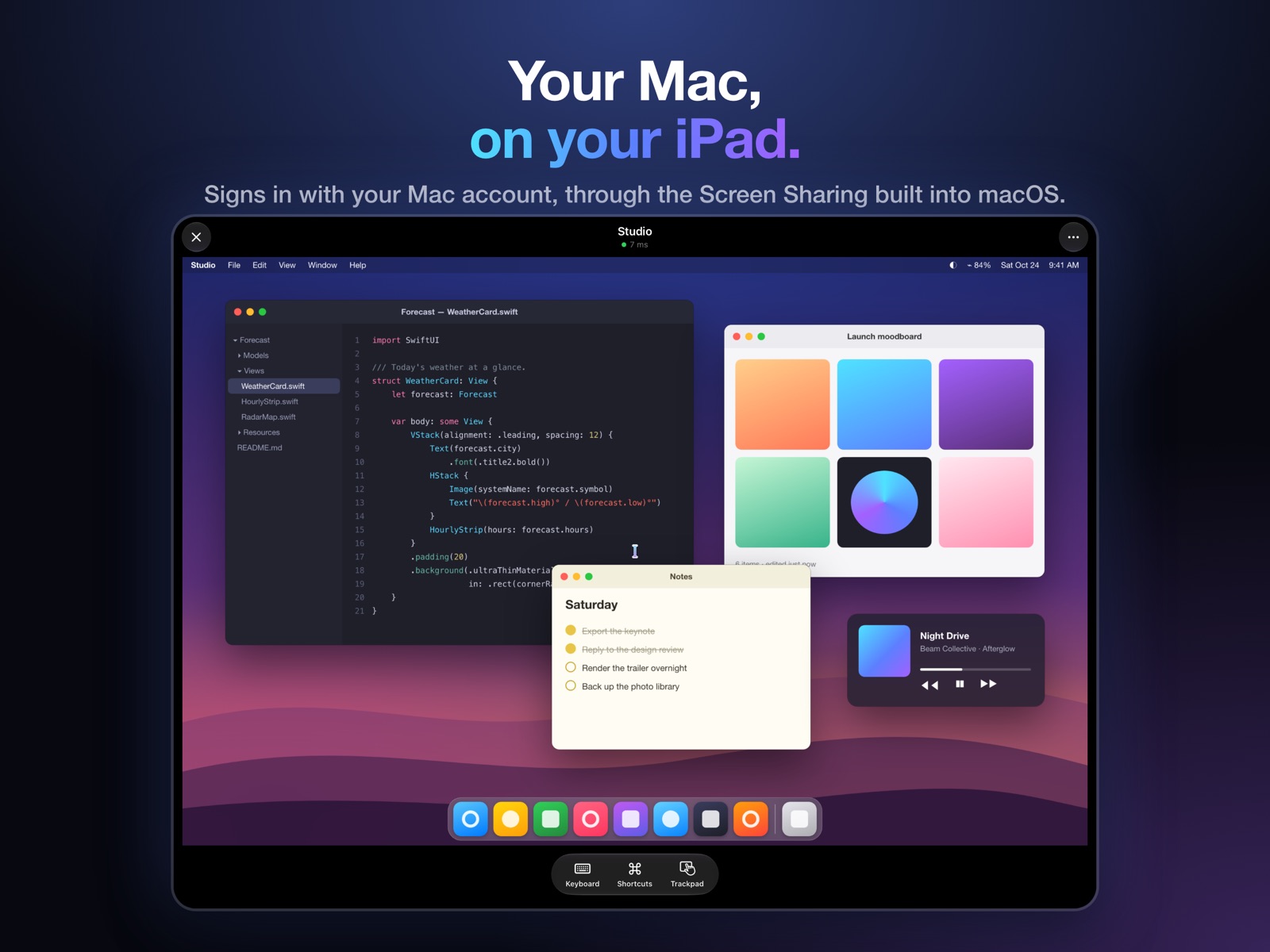
Deskbeam controls your Mac using the Screen Sharing that's already built into macOS. Turn it on, sign in with your Mac account, and you're there. There's no helper app to install on the Mac and no account to make.
How it works
- On the Mac, turn on Screen Sharing in System Settings › General › Sharing.
- On your iPhone or iPad, Deskbeam finds the Mac on your Wi-Fi. Tap it.
- Sign in with the same name and password you use to log in to the Mac. That's it.
It feels like a Mac
Trackpad or touch
Tap to click, two fingers to scroll and right-click, hold to drag. Or switch to Touch mode and click where you tap.
A keyboard that shows up
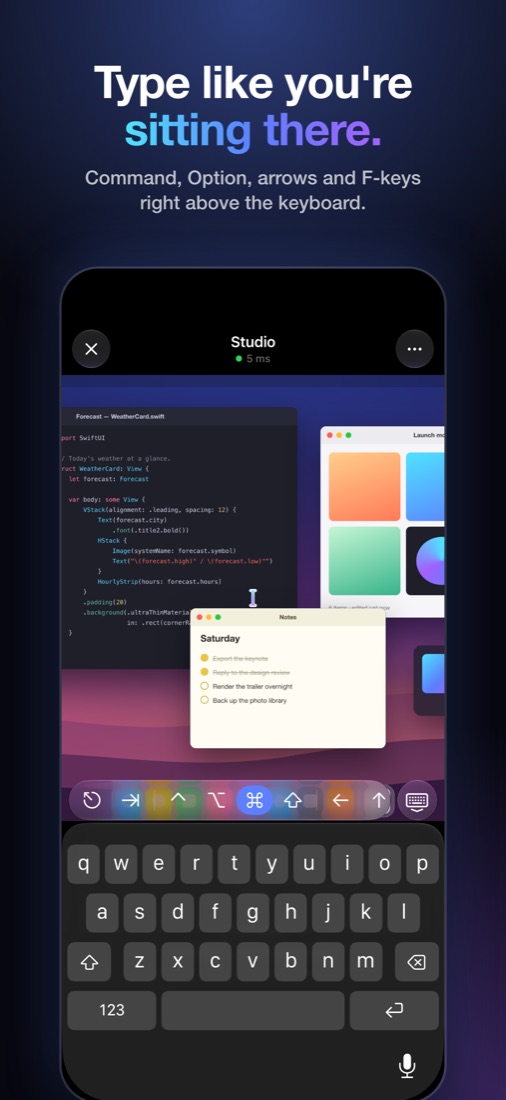
Click into a text field and the keyboard comes up, with Command, Option, Control, arrows and F-keys right above it.
Fast and sharp
Apple's own adaptive picture from the Mac, drawn with Metal, with pinch to zoom.
Copy and paste
Copy on the Mac, paste on your iPhone, and the other way around.
Unlocks for you
If the Mac is locked, Deskbeam can type your password from the Keychain, behind Face ID if you want.
Away from home
Reach your Mac from anywhere over Tailscale or an SSH tunnel.
All your Macs
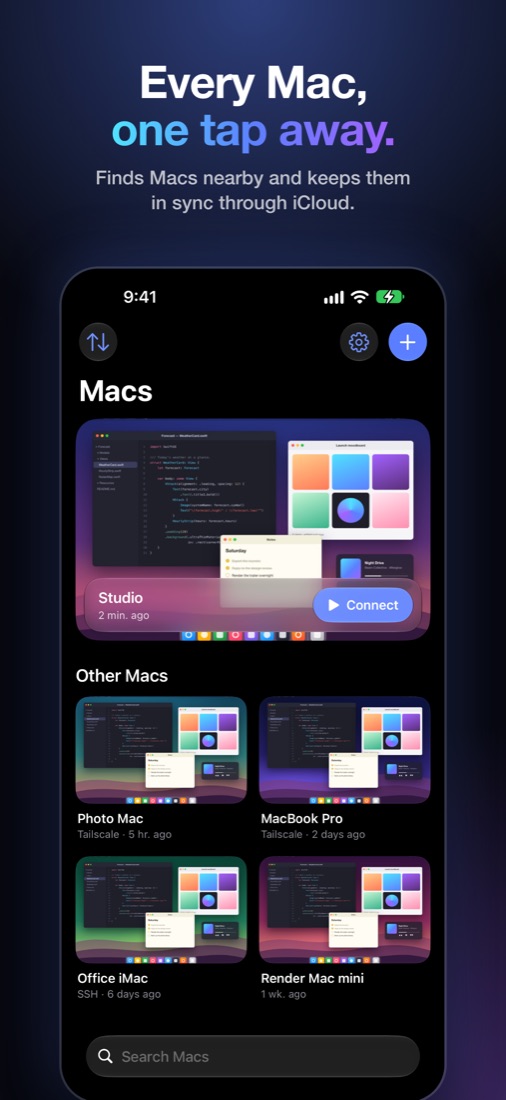
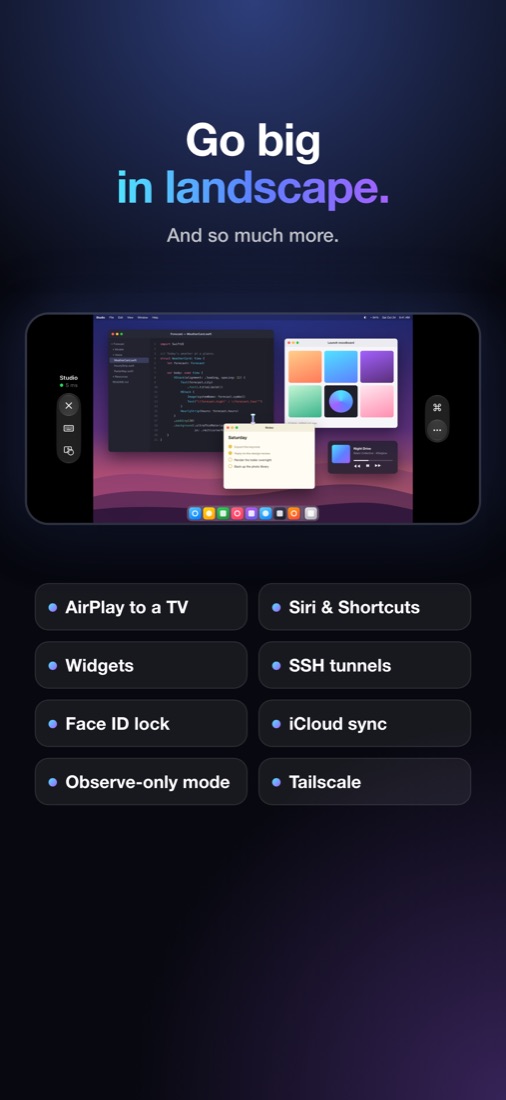
Every Mac on your network shows up on its own, with a picture of its screen. Put them in folders and your order, and they sync to your other devices through iCloud Keychain. Siri, Shortcuts, Spotlight and Home Screen widgets get you into a Mac in one tap. On iPad you can open a few Macs side by side, use a hardware keyboard, mouse or trackpad, or AirPlay the Mac to a TV.
Private by design
Deskbeam connects straight to your Mac. There's no Deskbeam server, account, ads or tracking, and your passwords stay in your Keychain. The App Store lists it as Data Not Collected.
Questions
Do I need to install anything on the Mac?
No. Deskbeam uses the Screen Sharing server that comes with macOS. You only switch it on in System Settings › General › Sharing.
What does it cost?
The app is free to download. Opening your Macs takes Deskbeam Monthly: the first 7 days are free for new subscribers, then it's $1.99 a month in the US. Cancel anytime in your App Store account settings.
Does it work outside my home network?
Yes, through Tailscale (Deskbeam can list the Macs in your tailnet) or an SSH tunnel to the Mac.
Does it work with other VNC servers?
Yes, servers that use a VNC password or VeNCrypt work too. Deskbeam is built for the Mac's own Screen Sharing first.
Isn't this what iPhone Mirroring does?
iPhone Mirroring goes the other way: it shows your iPhone on your Mac. Deskbeam shows your Mac on your iPhone and iPad. More on the difference.